
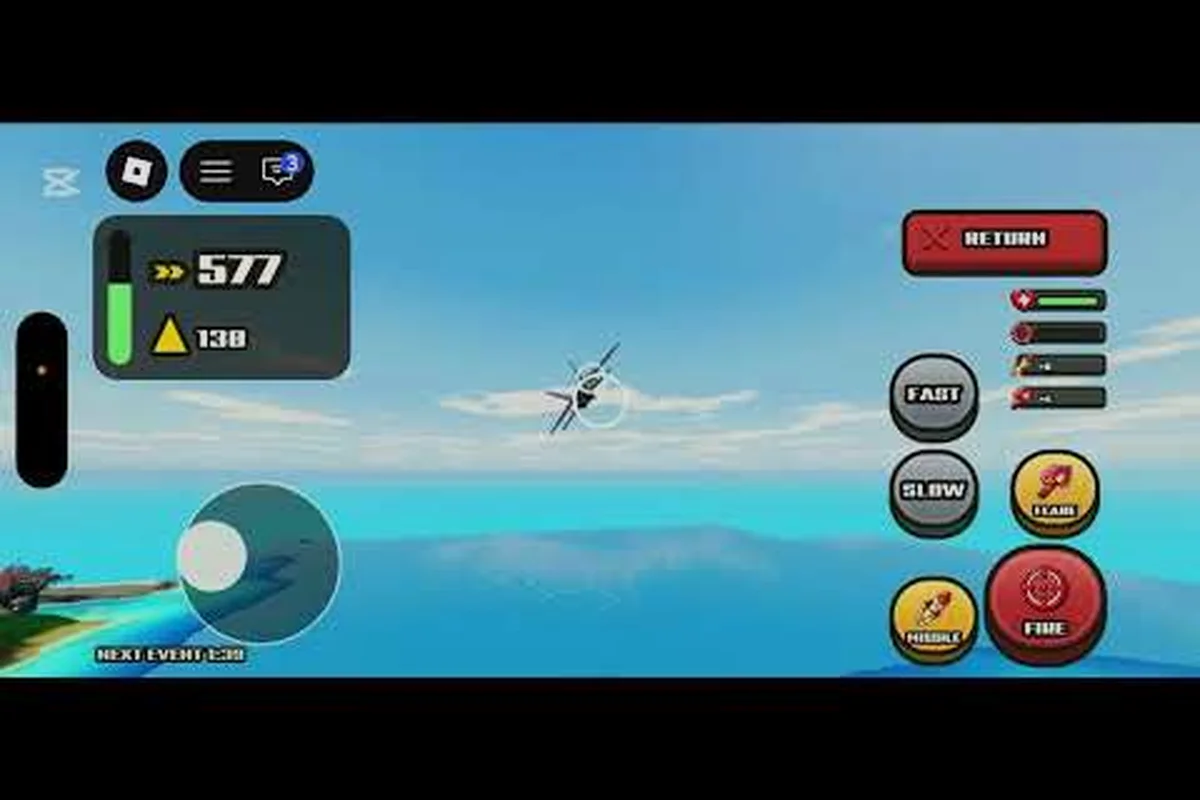
The World of Nukes live event opens on October 31, 2026 at 16:50 UTC and runs until November 1 at 22:27 UTC, giving you a little under 30 hours to claim everything. Miss the close and the window is gone, so knowing the exact start time matters more than any build guide right now.
The Live Event Window: Open and Close Times
Community stats trackers listed the window as October 31, 16:50Z through November 1, 22:27Z, and the matching "UPDATE + LIVE EVENT" title appeared on the Roblox events page before it went unavailable. That timing is the single most important fact in this World of Nukes event guide, because everything else — rewards, unlocks, session planning — hangs off it.
The window is short by design. A limited event that lasts roughly 30 hours forces players to show up on time rather than grind at their own pace, and that compression is exactly why the start hour deserves a calendar reminder instead of a vague "sometime this weekend" plan.
| Milestone | Date and Time (UTC) | What It Means for You |
|---|---|---|
| Window opens | Oct 31, 2026 — 16:50 | First moment rewards can be claimed |
| First full session | Oct 31 evening | Best shot at fresh servers and low lag |
| Midpoint | Nov 1 — 07:00 | Last comfortable window for a long session |
| Final hours | Nov 1 — 20:00 to 22:27 | Claim anything unclaimed, no new starts |
| Window closes | Nov 1, 2026 — 22:27 | Event content stops paying out |
Treat the final hours as a cleanup phase, not a starting line. Players who begin a fresh objective at 21:30 on November 1 usually run out of clock before the payout lands, which is the most common way people lose event value they technically earned.
Converting the Start Time to Your Local Clock
The published times are in UTC, so the practical step is converting 16:50Z into your own timezone before the day arrives. North American players on Eastern time see the window open around midday, while European players catch it in the evening and Asia-Pacific players often face a late-night or early-morning start.
If you are unsure of your offset, check it a day early rather than on the day. A one-hour daylight-saving mistake is enough to cost you the opening hours when servers are cleanest and the first community reports about reward payouts are still fresh.
What the World of Nukes Event Update Actually Changes
An event update in this game is rarely cosmetic. The pattern across 2026 releases is that a live window arrives bundled with a content drop, and the Roblox events listing carried the combined "UPDATE + LIVE EVENT" label rather than a standalone event tag. That suggests the World of Nukes event update ships gameplay changes alongside the seasonal content.
For planning purposes, assume two separate things are happening at once: a permanent patch that alters how your island performs, and a temporary layer that pays out event rewards only while the clock runs. The permanent changes stay after November 1; the seasonal layer does not.
| Change Type | Persists After Nov 1? | How to Treat It |
|---|---|---|
| Balance tweaks and fixes | Yes | Read reports, adjust builds after the window |
| Seasonal reward track | No | Prioritize during the window only |
| Limited cosmetic items | No | Claim early, they are the scarcest part |
| Free reward claims (like/join) | Usually yes | Do these first, they cost nothing |
The safest reading is that anything labeled seasonal is on a timer and anything labeled a fix is permanent. Community trackers and the November 2026 event outlook both point to the same conclusion: the seasonal layer is the part you cannot make up later.
Joining the Halloween Event Before the Window Closes
Joining is the easy part, but joining correctly is where players lose time. The developer group behind the game, Build. Defend. Nuke., sits at roughly 51,279 members and community Tier 3 as of October 31, 2026, and the official description states that liking the game and joining the group grants free rewards. Those free claims are the lowest-effort value in the entire window.
Treat this as a checklist, not a menu — the steps are ordered so each one unlocks the next, and skipping ahead costs you time you cannot recover inside a 24-hour window. Start with the two zero-effort claims: liking the game and joining the Build. Defend. Nuke. group (roughly 51,279 members, Tier 3) both pay out free rewards per the official description, so secure them before you even load a server. From there, redeem active codes, then confirm the seasonal event layer is actually rendering in-game — a missing Halloween UI means a dead server, not a finished event, so rejoin instead of idling.
-
Like the game and join the group — free rewards per the official description, no gameplay required.
-
Redeem any active codes — the event codes rundown covers what is live during the update.
-
Load into a server and confirm the event layer is active — if the seasonal UI is missing, rejoin rather than waiting.
-
Clear the tutorial or early objectives if you have not — some event content gates behind basic progression.
-
Claim seasonal rewards as you earn them — do not bank unclaimed payouts for the final hour.
That last point deserves emphasis. Unclaimed rewards sitting behind a menu are the first thing lost when a window closes early or a server hiccups, and the October 31 to November 1 span leaves no room for a second attempt.
Confirming the Event Is Live on Your Server
Roblox events occasionally roll out unevenly, so a friend seeing seasonal content does not guarantee your server has it. The quick check is to look for the event banner or seasonal reward panel in the interface; if neither appears after a full rejoin, the server has not received the update yet.
Switching to a freshly started server usually resolves it. Older servers that have been running since before 16:50Z on October 31 can keep stale state, which is why the first thing to try is always a clean rejoin rather than a support post.
World of Nukes Event Rewards: What to Expect and How to Prioritize
Rewards are the reason anyone cares about a 30-hour window, and the honest framing is that specific reward values are community-reported until the developer confirms them. The official Roblox page describes the group and like rewards but does not publish a full seasonal payout table, so treat any itemized list as provisional.
What you can plan around is the shape of the reward set rather than any single payout number. Seasonal windows in this game have consistently mixed permanent-account perks with time-limited cosmetics, and the cosmetics are the part that never returns — so a Halloween-flavored World of Nukes limited event is likely to gate its most valuable cosmetics behind milestone tiers rather than the free group and like rewards. That asymmetry is why the reward table below ranks seasonal and exclusive items above the cash and resource bundles: the bundles are replaceable through normal play, while a missed cosmetic is gone once the window closes.
| Reward Category | Rarity | Claim Priority | Notes |
|---|---|---|---|
| Group and like rewards | Common | Immediate | Free, per official description |
| Seasonal cosmetics | Limited | High | Typically does not return |
| Cash or resource bundles | Common | Medium | Helpful but replaceable |
| Exclusive event items | Limited | High | Check the full rewards breakdown |
| Milestone payouts | Varies | Medium | Claim as you hit each tier |
Prioritize in that order and you cannot go badly wrong. The mistake players make is chasing the resource bundles first because they feel immediately useful, then discovering the cosmetic they wanted required a milestone they no longer have time to reach.
Reading Community Reports With Caution
Community reporting during a live window is fast but noisy. Early posts about payout amounts are often based on a single claim, a partial session, or a screenshot from a different region, and numbers get repeated until they look official.
The reliable approach is to cross-check any specific figure against at least two independent reports and to prefer sources that show the claim screen itself. The official World of Nukes page on Roblox remains the anchor for anything the developer has actually stated, and it is worth a look before you trust a number that only appears in a comment thread.
Scheduling Your Play Sessions Around the Event Clock
Thirty hours sounds generous until you subtract sleep, work, and the fact that the last two hours are effectively claim-only. Realistically you have two usable sessions: one on October 31 after the 16:50Z open, and one on November 1 before roughly 20:00Z.
Split the work accordingly. The first session should cover everything that requires active play — objectives, milestones, anything with a progress bar. Front-load the highest-value milestones here, because the October 31 window is when the community knowledge base is still being actively updated with confirmed step order and reward values; a milestone you finish early also stops competing for attention with the Nov 1 claim queue. The second session should be pure cleanup: claim, verify, and confirm nothing is sitting uncollected — walk the event reward list item by item rather than trusting the badge count, since unclaimed rewards sitting past the 22:27Z hard stop are gone permanently.
| Session | Suggested Timing | Focus |
|---|---|---|
| Session one | Oct 31, 17:00 to 22:00 | Active objectives and milestone progress |
| Buffer | Nov 1, morning | Finish anything incomplete |
| Session two | Nov 1, 18:00 to 21:00 | Claim everything, verify inventory |
| Hard stop | Nov 1, 22:27 | Window closes |
If you only get one session, take the October 31 slot. Servers are busiest right at open, but the community knowledge base is also freshest then, and the Halloween event walkthrough tends to fill in with accurate steps within the first few hours.
What to Skip When Time Is Short
Not every event objective is worth your clock. Anything that pays a resource you can farm normally after November 1 is low value inside a limited window, because the whole point of a limited event is the content that disappears.
Skip long grind objectives that only pay cash or standard materials. Chase anything labeled exclusive, limited, or seasonal. When two objectives compete for the same hour, pick the one whose reward you cannot obtain any other way — that single rule resolves almost every scheduling conflict during a short window.
Common Mistakes That Lose the Event Payout
Most event losses are not caused by bad play. They come from timing errors, unclaimed rewards, and trusting stale information — and the world of nukes live event compresses all three risks into a single 30-hour window that closes at 22:27Z on November 1. Because the seasonal panel and reward menus never auto-collect, a player who clears objectives but skips the claim button walks away with nothing, while anyone planning around an unconfirmed community payout list can chase a number that shifts within the first hours. The pattern repeats every window, and each item below has cost real players real rewards.
-
Starting on the final day. A 30-hour window with a 22:27Z close means November 1 evening is cleanup, not a fresh start.
-
Leaving rewards unclaimed. Menus do not auto-collect; if you earned it and did not press the button, you did not get it.
-
Trusting an unverified reward list. Community numbers shift in the first hours; confirm before you plan around a specific payout.
-
Ignoring the free claims. Group and like rewards cost nothing and are confirmed in the official description.
-
Playing on a stale server. If the seasonal panel is missing, rejoin before assuming the event is broken.
-
Forgetting the timezone conversion. A one-hour offset error can wipe out the opening hours entirely.
The reward guide for the current window tracks which claims are confirmed versus reported, which is the fastest way to avoid planning around a number that turns out to be wrong. In practice, that means cross-checking each line item against the official event description before you commit playtime: group and like rewards are confirmed in the description and cost nothing, while community-sourced payout figures for the seasonal panel often shift within the first hours of the 30-hour window. A reward you counted on at 22:27Z on November 1 may not match the panel's actual claim value, so treat unverified numbers as placeholders and verify before you build a route around them.
Frequently Asked Questions
When does the World of Nukes live event start?
The window opens on October 31, 2026 at 16:50 UTC and closes on November 1 at 22:27 UTC, according to community stats trackers. Convert that start time to your local clock a day ahead so a timezone offset does not cost you the opening hours when servers are cleanest.
Is the World of Nukes Halloween event the same as the live event?
Community listings treat them as the same seasonal window, since the Roblox events page carried a combined "UPDATE + LIVE EVENT" label. The Halloween branding covers the seasonal cosmetics and themed rewards, while the live event label refers to the timed payout window itself.
What rewards can I get from this World of Nukes limited event?
The official description confirms free rewards for liking the game and joining the Build. Defend. Nuke. group. Seasonal cosmetics and milestone payouts are community-reported rather than officially itemized, so confirm specific values against two independent sources before planning around them.
Can I still claim rewards after November 1?
No. The window closes at 22:27 UTC on November 1, 2026, and seasonal payouts stop at that point. Anything you earned but did not claim before the close is typically lost, which is why the final session should be spent claiming rather than starting new objectives.
Do I need to finish the tutorial to join the event?
Basic progression helps because some event content gates behind early objectives, but the free group and like rewards do not require deep progress. Load in, confirm the seasonal panel appears, and claim the no-effort rewards first before committing hours to objectives.
The World of Nukes live event is a scheduling problem more than a skill problem. Lock in October 31 at 16:50 UTC, claim the free group and like rewards immediately, spend your first session on objectives that only exist inside the window, and reserve November 1 evening purely for claiming before the 22:27 close. Do that and the short window stops being a risk and starts being an advantage over players who show up late.